


Loading...
×

Lost your card?

If your Roxxy Debit Card has been lost or stolen, you can secure your account in
seconds. Freeze your card instantly, review recent activity, and request a
replacement — all from one place.

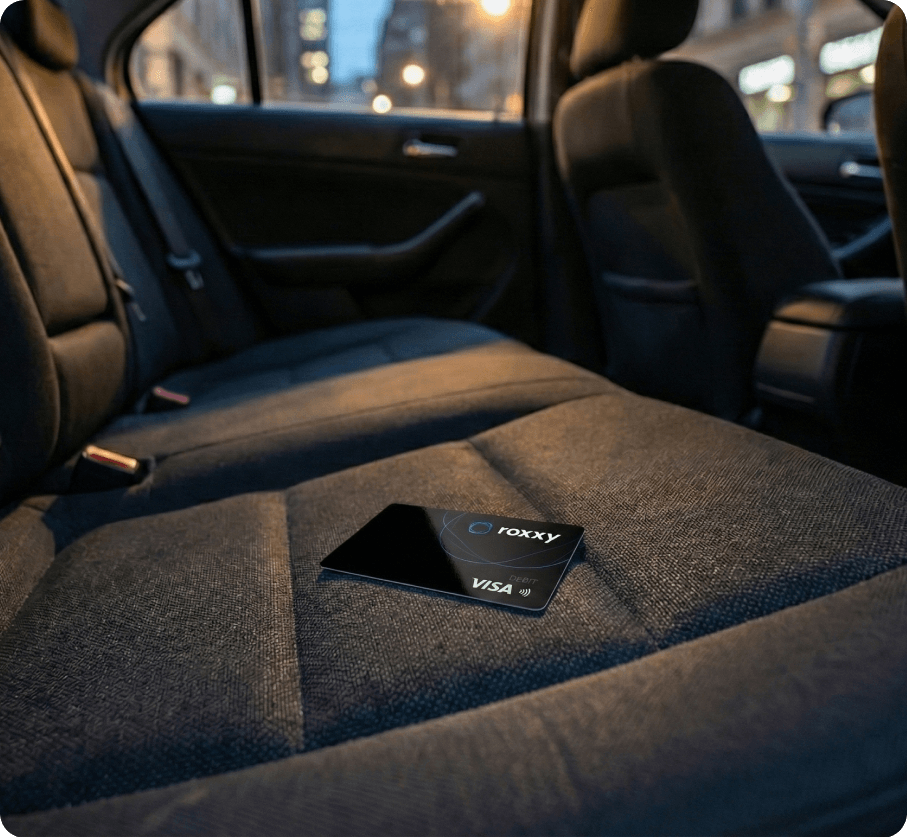
Lost Card Image

What to do next

Roxxy Website Freeze Card Icon

Step 1: Freeze Your Card Immediately

Open the Roxxy app and:

  1. Go to Cards
  2. Select the card
  3. Tap Freeze Card

Freezing your card stops all new transactions instantly.

Roxxy Website Activity icon

Step 2: Review Recent Activity

Check your recent transactions carefully. If you see anything you don’t recognize, report it directly in the app.

We’ll investigate and guide you through the next steps.

Roxxy App Activity icon

Step 3: Mark as Stolen &
Order a Replacement

If your card is stolen (not just misplaced):

  1. Select Report Card as Stolen
  2. Confirm your details
  3. Order a new card

Your old card will be permanently deactivated for security.

Next Steps, Just to be Safe.

After reporting a lost device, taking a few extra steps can help keep your finances and identity safe:

One Shared View animation

Change your Roxxy passcode

Budget by Talking animation

Enable or review two-factor authentication

Understand Your Cash Flow

Monitor your account for unusual activity

Context-Aware Insights

Contact support if you suspect fraud

If You Find Your Card Later

If your card was frozen (not reported stolen), you can simply unfreeze it in the app.
If it was marked as stolen, it cannot be reactivated. However, your new card will replace it.

We’re Here to Help

If you need assistance, contact Roxxy Support directly in the app.
We’re available to help you secure your account and resolve issues quickly.

Let’s get in touch!

Call us directly

754-247-5003

Submit Help Ticket

hello@roxxy.ai

Our Location

6365 NW 6th Way,
Fort Lauderdale, FL 33309

Social network

Get in Touch